Event game
Earn points in the event app's game by scanning QR codes and taking part, check your score and rank, and see what you can win.
Some events run a game in the event app. You earn points for things like scanning the QR codes at sponsor booths and sessions, exchanging contacts and posting in the activity stream, and climb the leaderboard to win prizes.
The organizer decides what earns points, how many, and what the prizes are, and may give the game its own name, such as "Scavenger Hunt". If you don't see it in the menu, your event doesn't have one.
Check your score
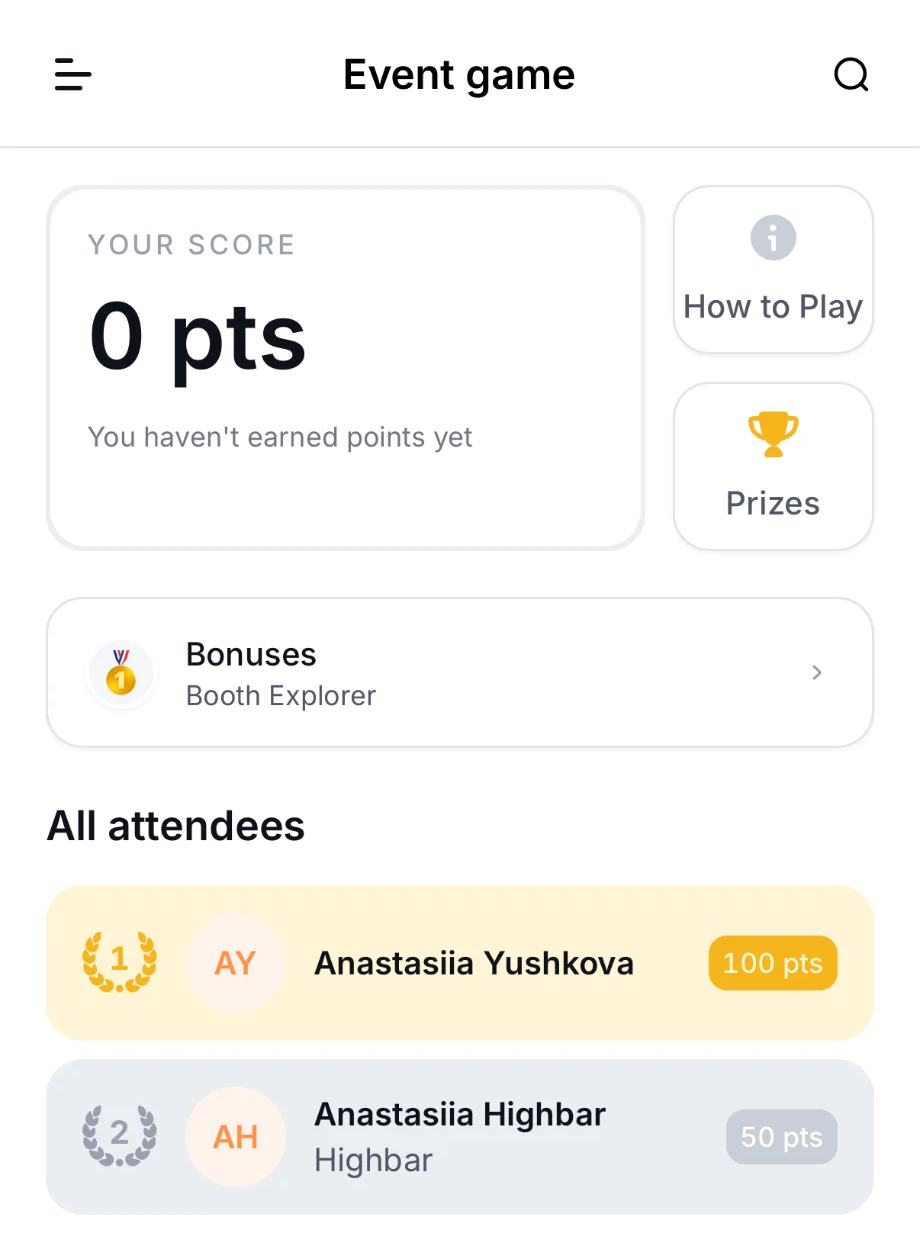
Open the game from the menu. It shows:
- Your score: your points so far, and your rank once you have some.
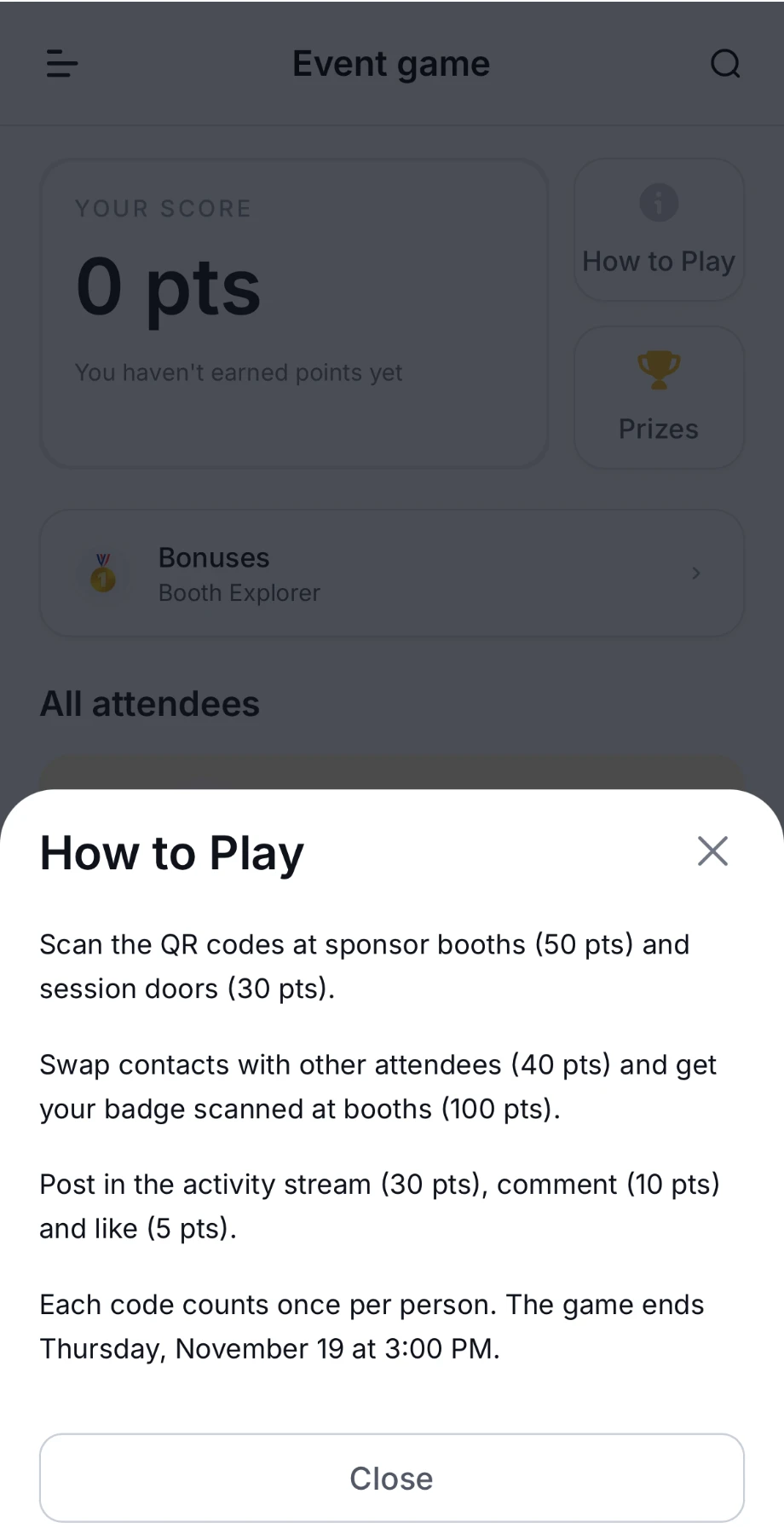
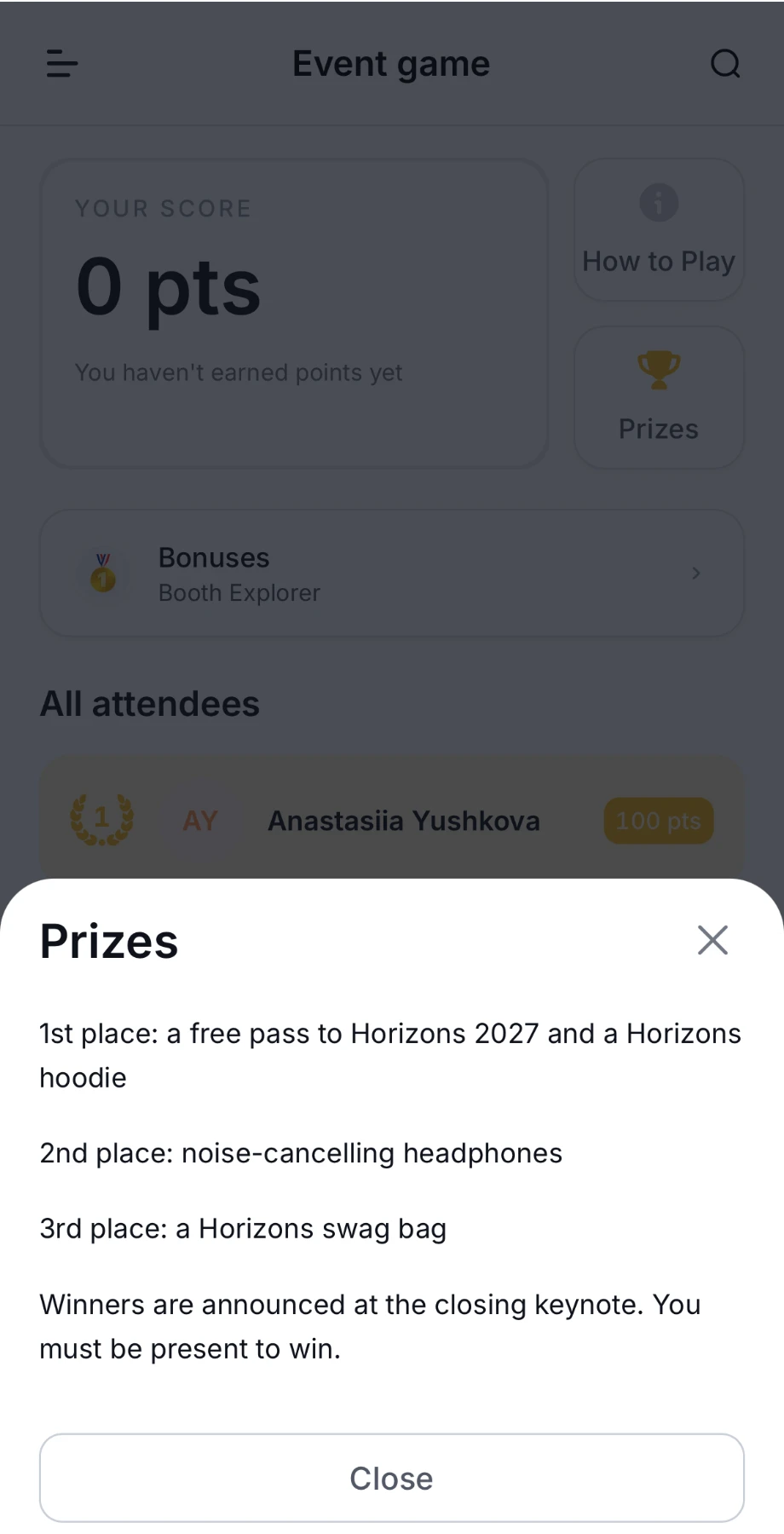
- The organizer's rules and prizes, such as How to Play and Prizes. Tap them to read the details.
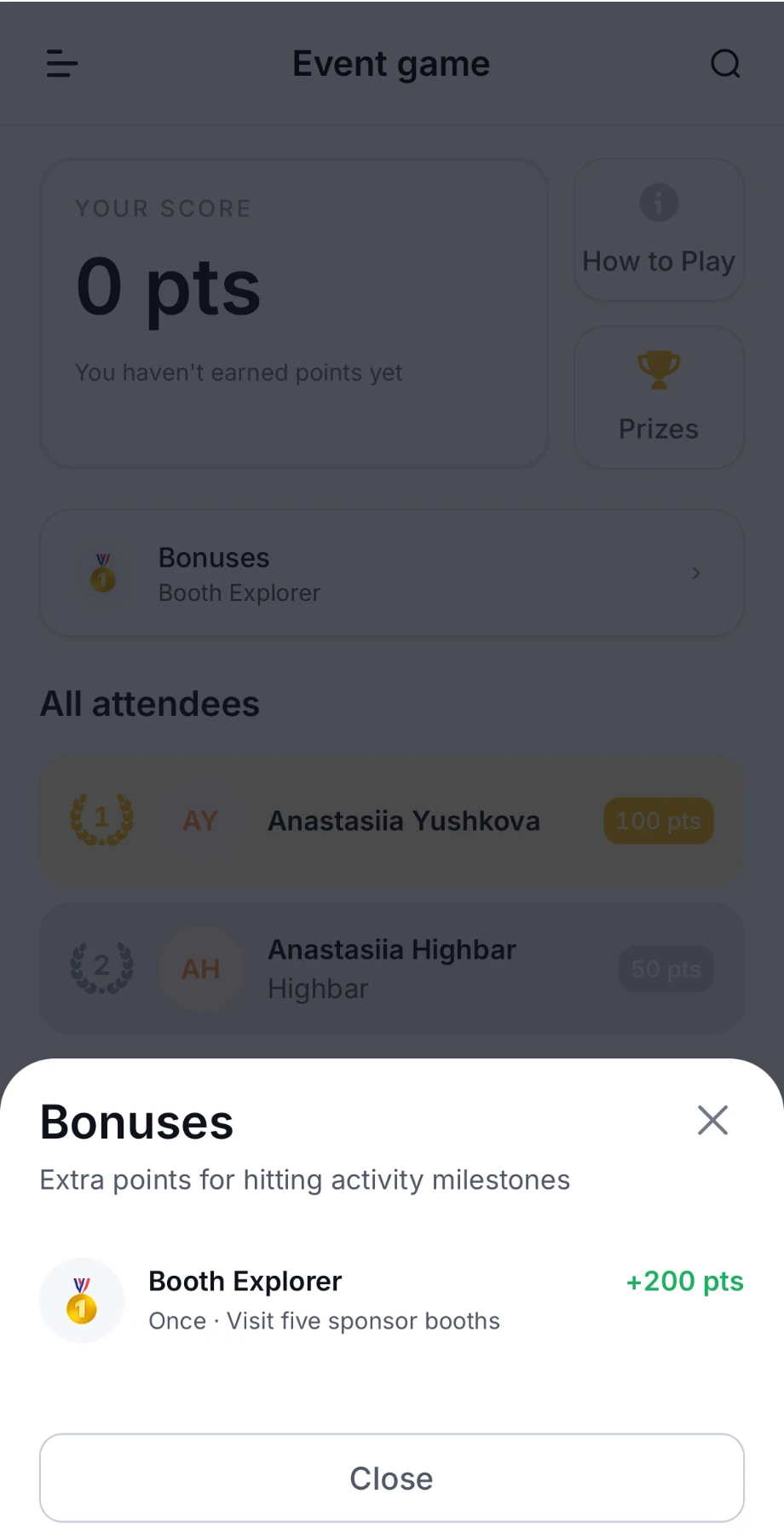
- Bonuses: extra points for reaching milestones, such as visiting five sponsor booths. Tap it to see each bonus and which ones you've unlocked.
- The leaderboard, such as All attendees, if the organizer shows it.
Under Bonuses, each bonus shows what you need to do, how many points it's worth, and whether you can earn it Once or Every time you reach it again.
Earn points
What earns points depends on the event. How to Play says exactly what counts. Common ways are:
- Scanning QR codes at sponsor booths, sessions and speakers. Tap the round button in the bottom-right corner, then Scan, and point your camera at the code. A message such as "+40 points" shows what you earned.
- Getting your badge scanned by booth staff.
- Exchanging contacts with other attendees. See Exchange contacts.
- Posting, commenting and liking in the activity stream.
If you're offline when you scan, the app says "Points will be added after you reconnect".
Sponsors, sessions and speakers in the game may show a badge in their lists, so you can see which ones to visit.
Activity stream
Post updates, photos and polls to the event's feed in the event app, like and comment on other attendees' posts, and report anything that shouldn't be there.
Maps, resources and photos
Find your way around the venue with the event app's interactive map, open the guides and documents the organizer has shared, and browse the event's photos.