Speakers and sponsors
Browse the event's speakers and sponsors in the event app, see their sessions, products and representatives, and save the ones you want to remember.
The event app has a page for each speaker and sponsor, with their details and where to find them at the event. The organizer may have renamed these menu items, for example to Exhibitors or Partners.
Speakers
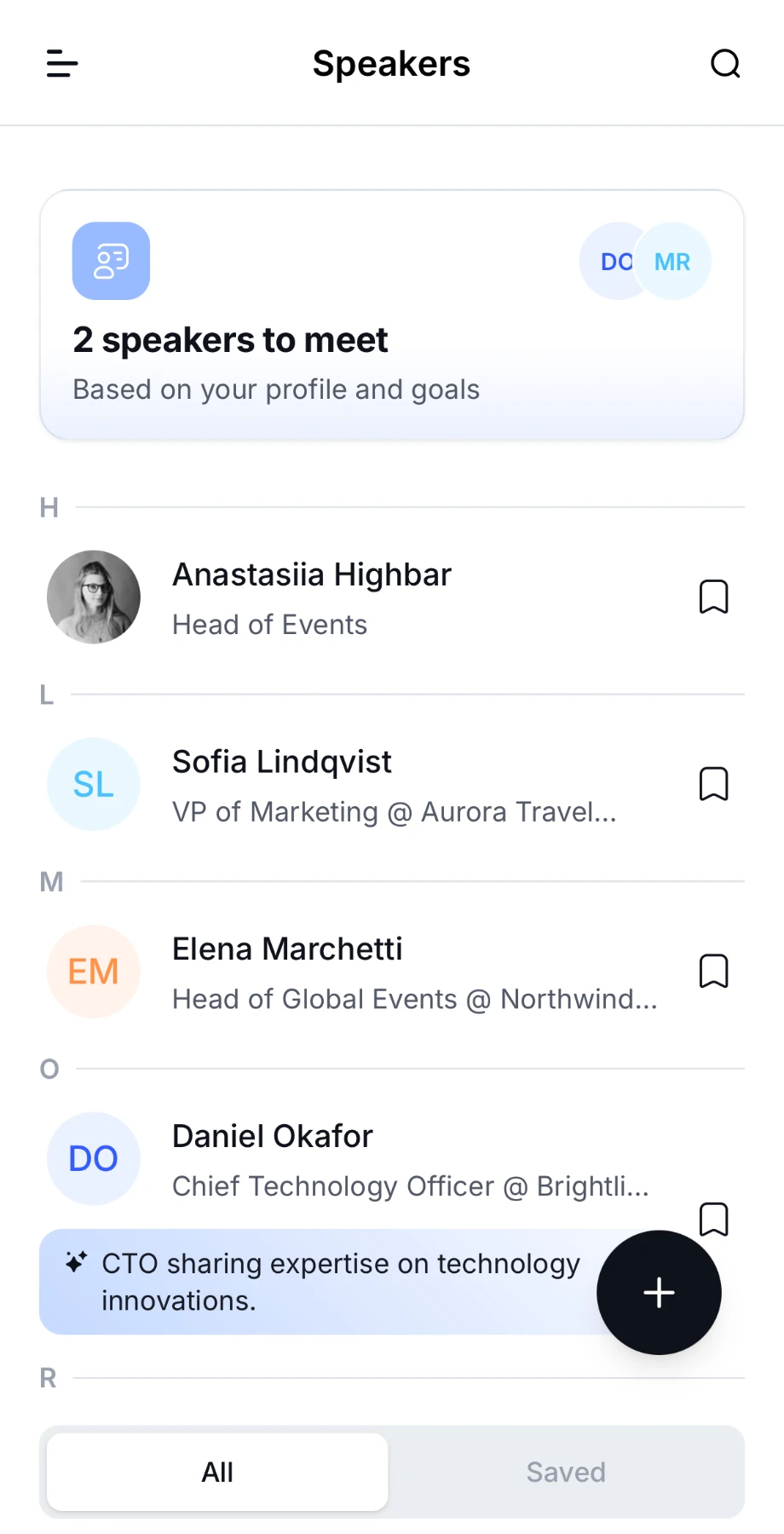
Open Speakers from the menu. Speakers are listed A to Z, or in the order the organizer chose.
- Search. Tap the magnifier and type a name.
- Save. Tap the bookmark icon next to a speaker. The Saved tab at the bottom lists the ones you've saved.
- Suggestions. If the organizer has turned on matchmaking, a banner such as "2 speakers to meet" shows the speakers picked for you, and some speakers show why they were suggested.
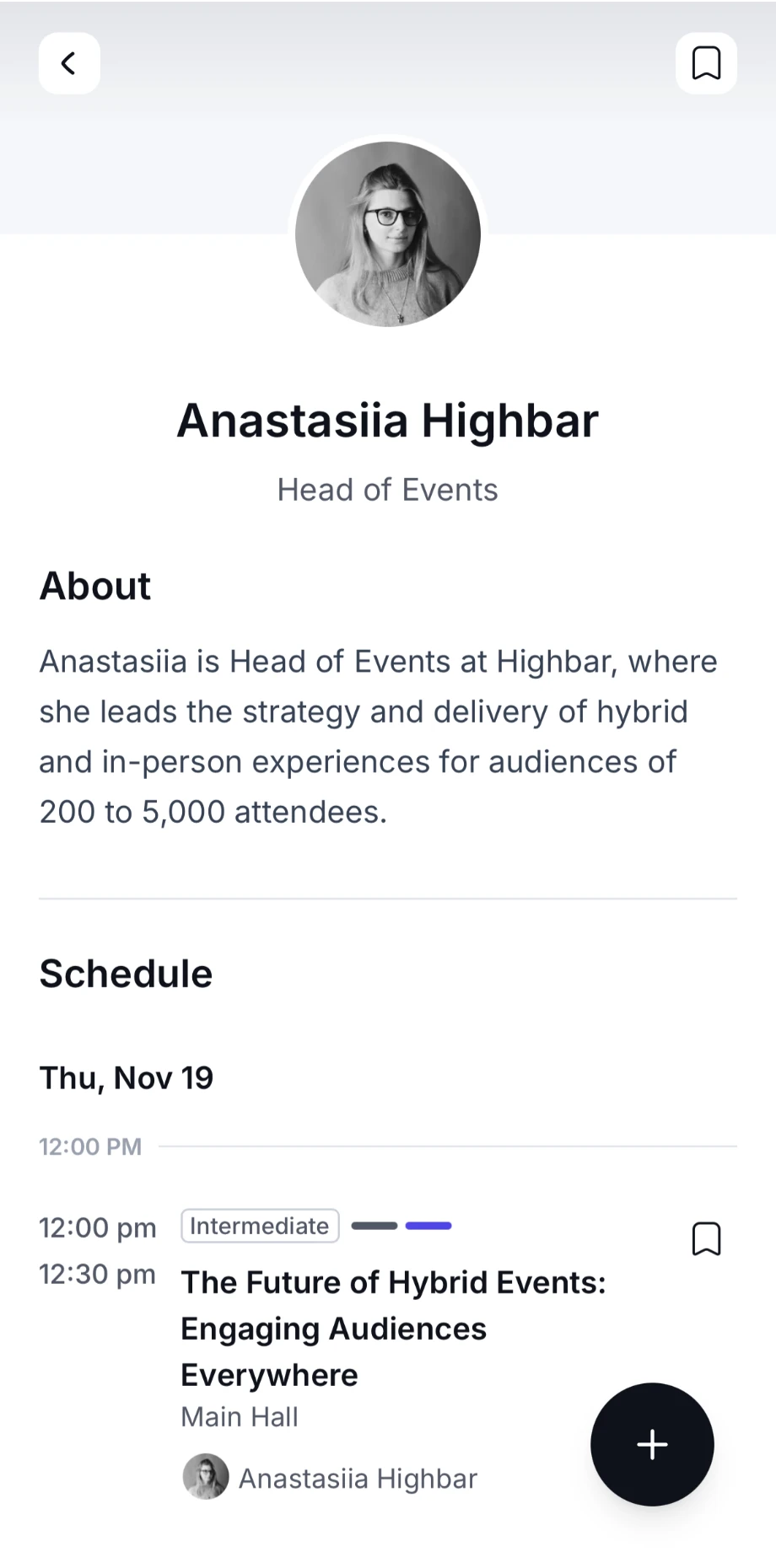
Tap a speaker to open their profile: their photo, job title and company, their bio under About, and their sessions under Schedule. Tap the bookmark icon next to a session to add it to My agenda. Depending on what the organizer has added, the profile can also show their social links, Attachments and Products & services.
Sponsors
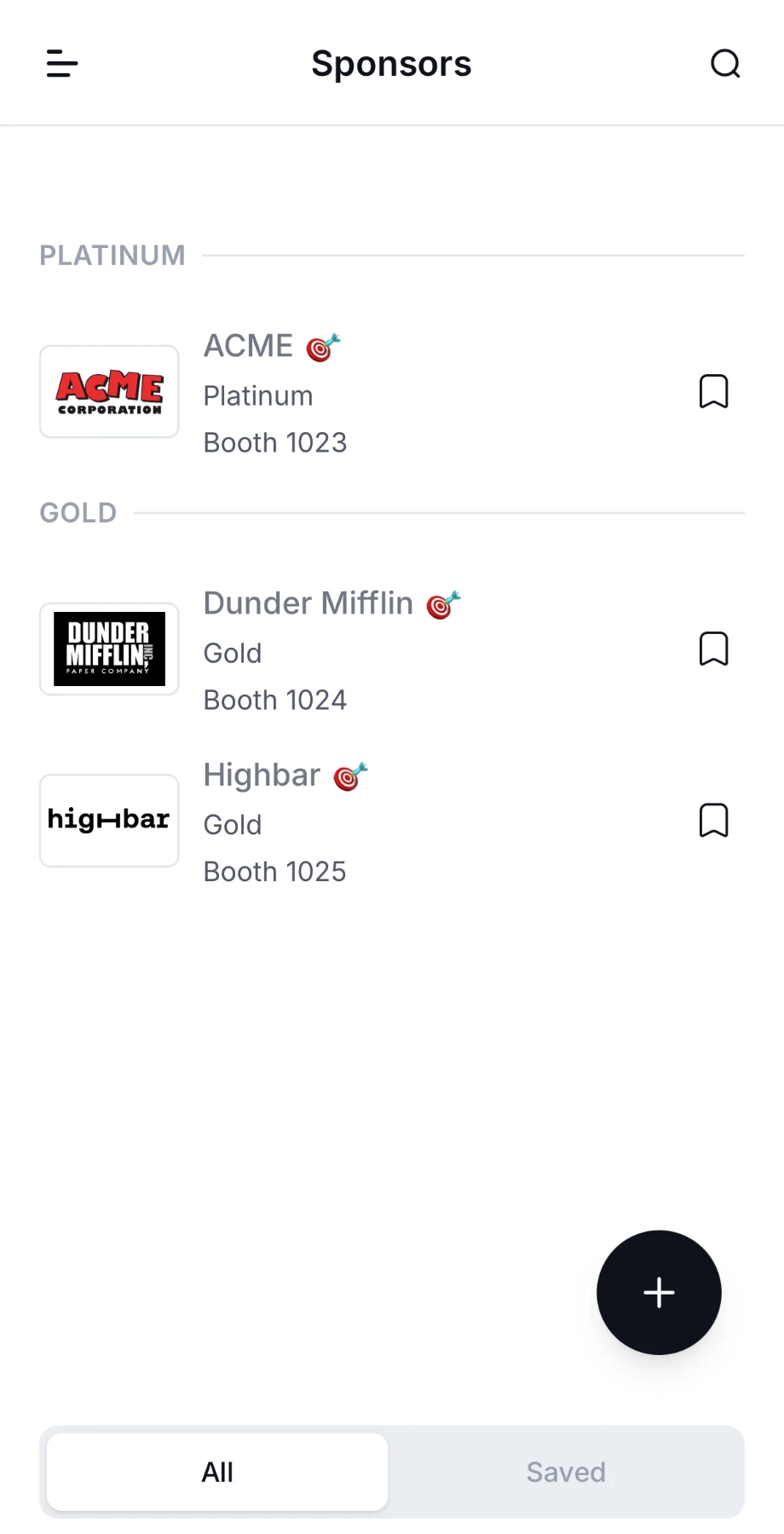
Open Sponsors from the menu. Sponsors are grouped by sponsorship level, such as Gold or Silver.
- Search by name. If the organizer has sorted sponsors into categories, tap the filter icon to filter by category or keyword.
- Save a sponsor with the bookmark icon. The Saved tab lists the ones you've saved.
Tap a sponsor to open their page. Depending on what they've added, it shows their booth number, a short description under About, their location on the event's map, Posts, Media, Products & services, Attachments, the staff at their booth under Representatives, their Speakers and their sessions under Schedule. Some sponsors add a button, for example to book a demo or visit their website.
If the event has a game, sponsors that take part may show a badge next to their name. Scan the QR code at their booth to earn points.
Schedule and My agenda
Browse the event's sessions, save the ones you want, register for sessions with limited places, rate sessions, and plan your day in My agenda.
Community and networking
Find other attendees in the event app, get matched with people worth meeting, exchange contacts by QR code, send messages, and control who can find you.