Set up your event appContent
Web view
Show a web page inside your event app as its own section.
A Web view section opens a web page inside your event app, such as a sign-up form, a live stream or your event website.
See Sections and visibility to rename, reorder, hide or schedule sections.
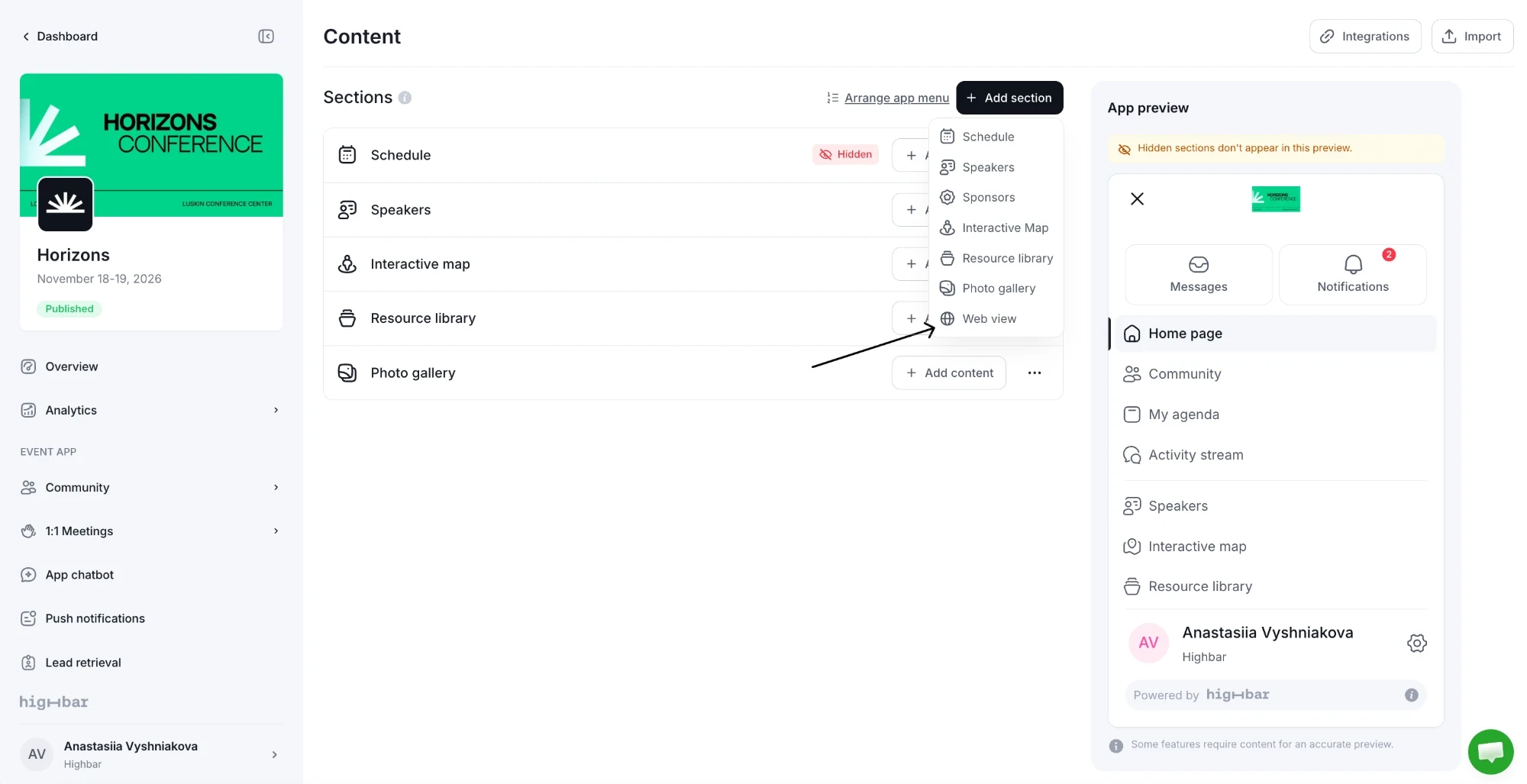
Choose Web view in the Add section menu.
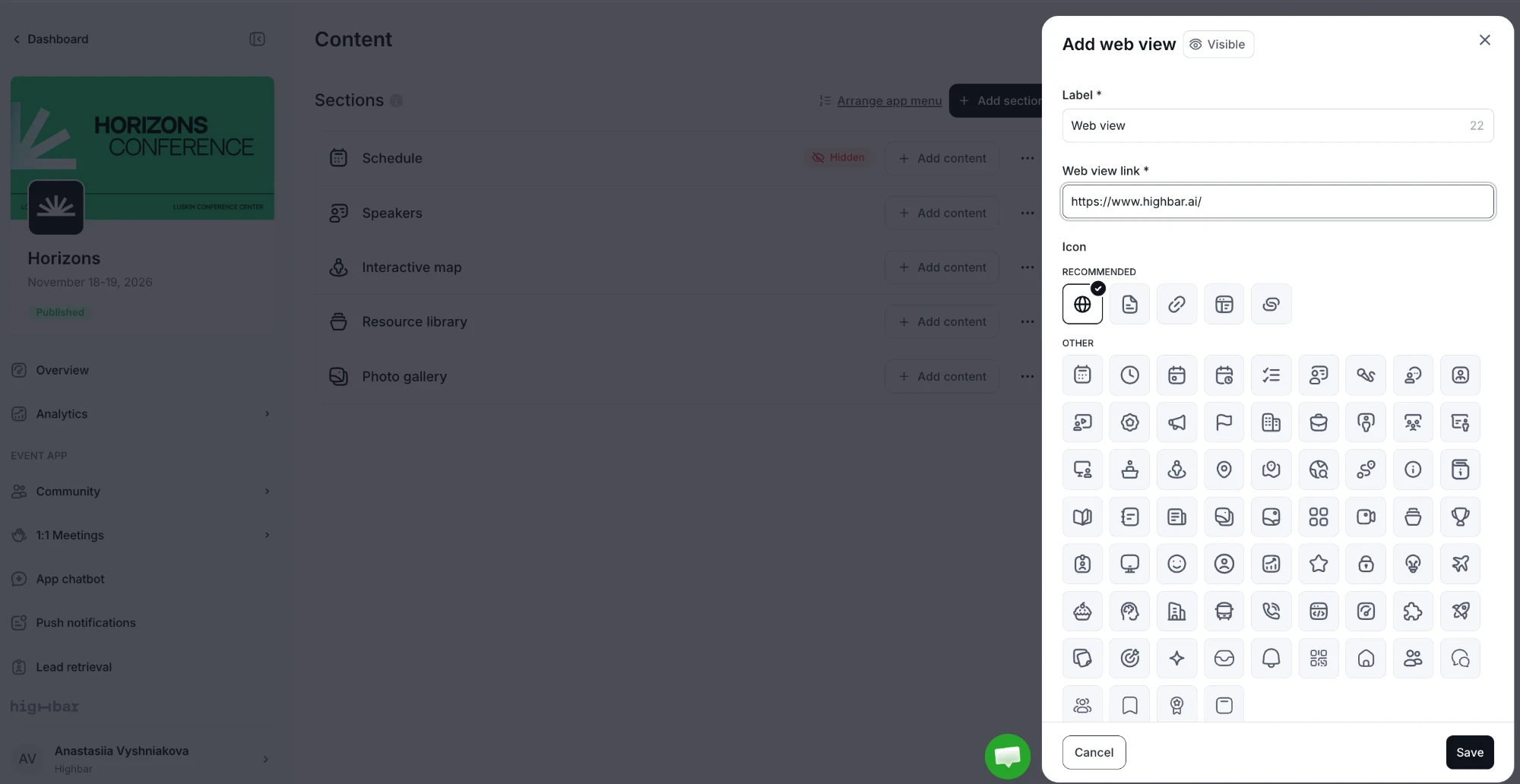
Enter the page's address in Web view link, along with the section's Label and Icon. The page opens inside the app.
If a site doesn't allow itself to be shown inside another app, attendees get an Open in New Tab button instead. A Web view section has no content of its own, so its row has no Add content button.
Web view sections don't complete the Content step on their own: you also need at least one session, speaker or sponsor. See Launch your app.